
PdfCrop
Crop uneven PDF margins privately, safely, and reversibly.
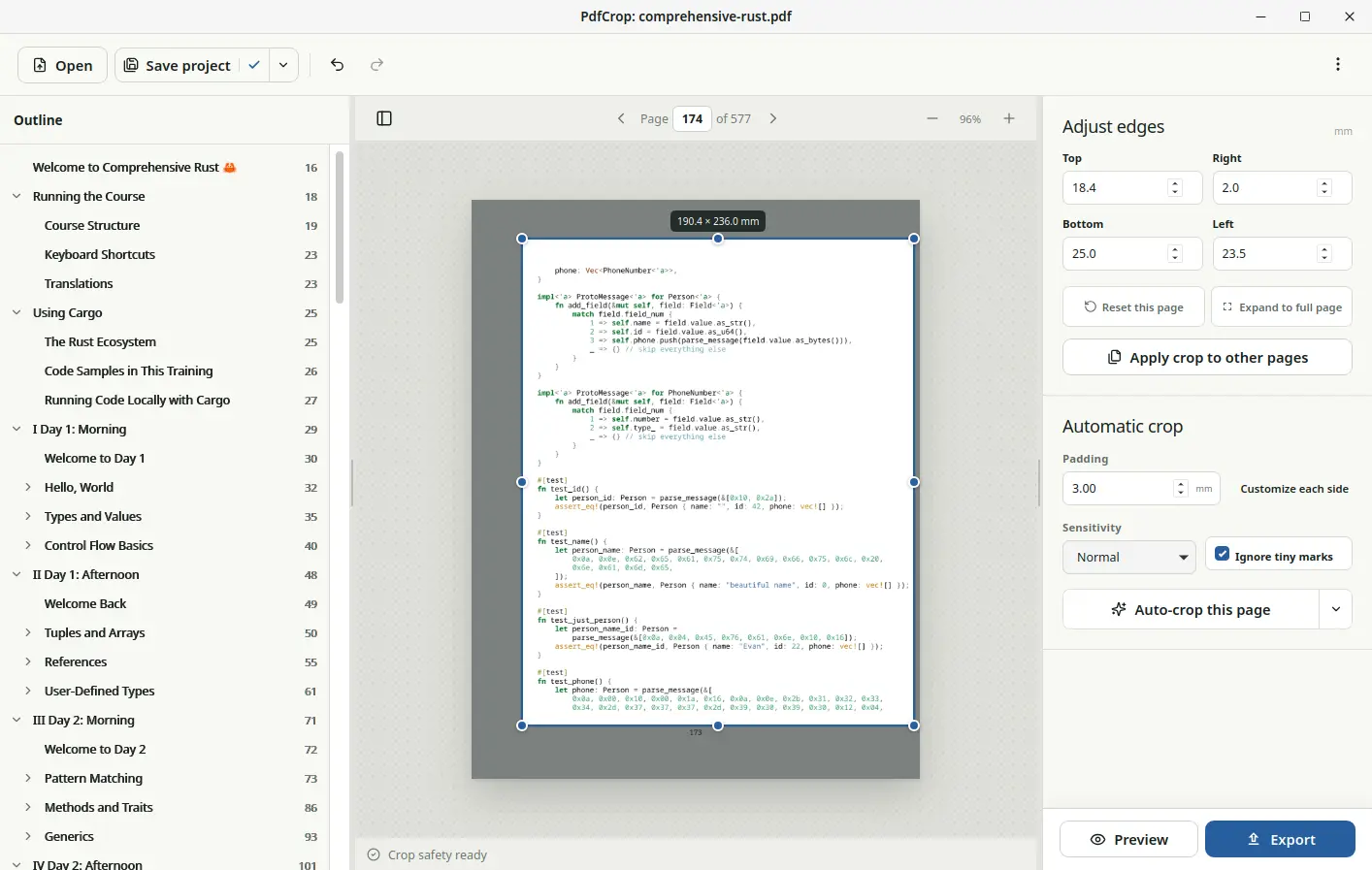
A desktop tool that detects visible content on each PDF page, streamlines batch cropping, and preserves the original page content.
Highlights
What it does
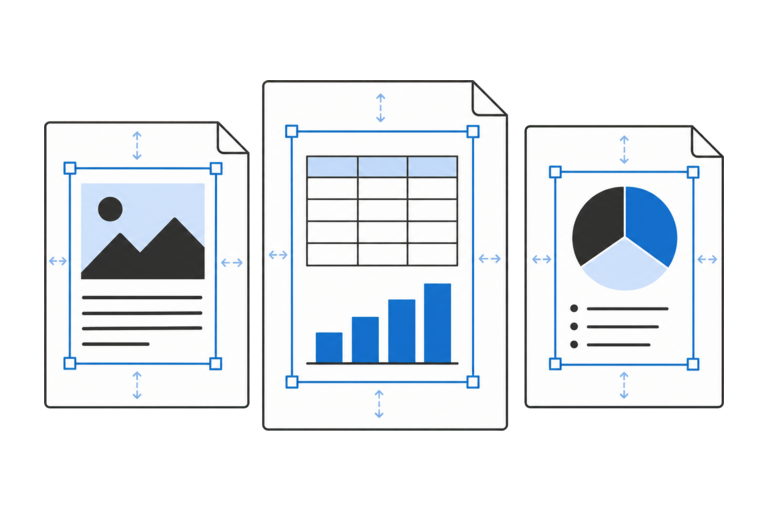
Page-aware detection
Detect visible content independently on every selected page, with adjustable safety padding, sensitivity, and speck filtering.
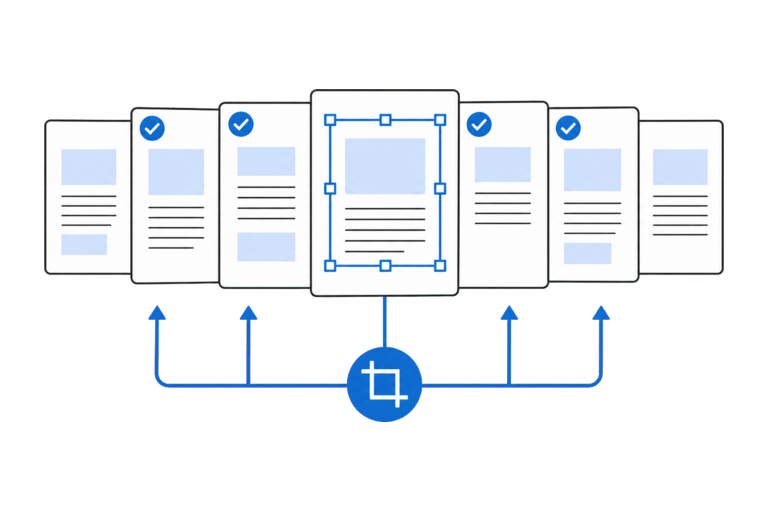
Deliberate batch editing
Select individual pages or ranges, review staged results, and explicitly apply one page's crop to a larger batch.
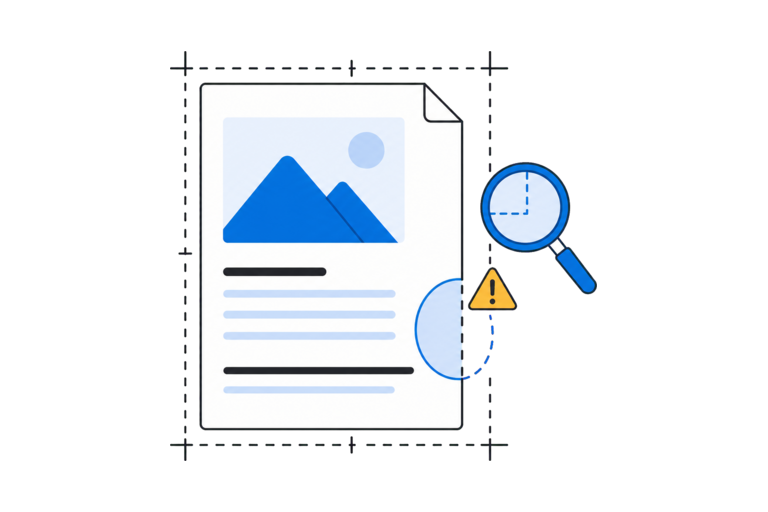
Cut-content checks
Scan changed pages for clipped visual structures and searchable text, then navigate warnings for manual review.
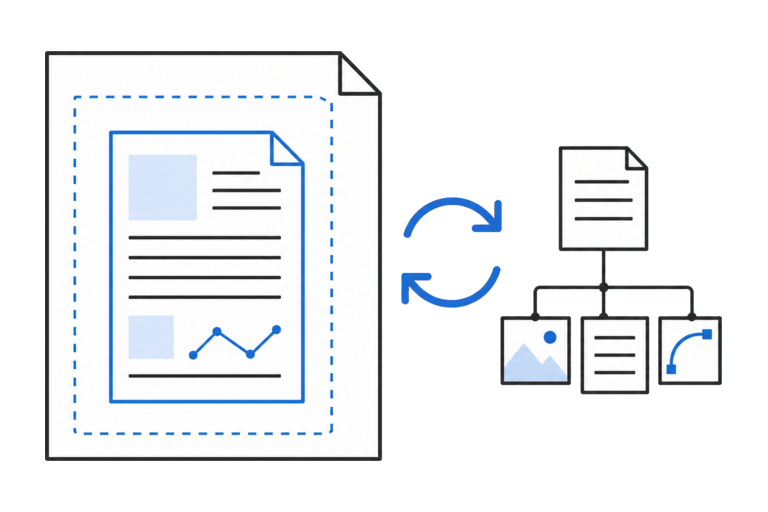
Reversible PDF export
Export a neatly cropped view while keeping the full original page intact, so the change can be reversed later.

Restorable projects
Save your work with autosave, undo history, session recovery, and checks that it matches the correct source PDF.

Local by design
Process documents without accounts, telemetry, network requests, or a cloud service.
Crop each page around its content
Scanned books and assembled documents rarely have identical margins from one page to the next. A single crop rectangle can cut into the content on one page while leaving distracting borders on another. This is especially frustrating on tablets and e-readers, where wide margins waste limited screen space and lead to frequent zooming or panning.
PdfCrop analyzes every selected page independently. Its detector estimates the page background, rejects isolated noise when requested, finds the visible content bounds, and adds the chosen safety padding. The results remain staged until they have been reviewed and applied.
Review before you commit
Automatic cropping is a starting point, not a blind operation. PdfCrop keeps the active preview page separate from the current batch selection, makes page-level and batch actions explicit, and provides direct millimetre controls for manual correction.
After a batch is applied, a safety scan looks for visual structures or searchable text crossing the proposed crop edges. Warnings stream into the workspace so affected pages can be inspected, corrected, or acknowledged as intentional.
Preserve the document
PdfCrop hides unwanted margins without permanently removing anything from the page. If you change your mind later, you can reveal the full original page again.
You can also save your work as a project and continue later. PdfCrop makes sure the project is reopened with the same source document, helping you avoid applying saved edits to the wrong PDF.
Private desktop processing
PdfCrop performs its work locally. It has no accounts, telemetry, network requests, or cloud service. Passwords stay in memory, PDF modification permissions are checked, and signed documents trigger a warning before an export that would invalidate their signatures.